Best Way to Play Nintendo NES Games on an LCD TV
As a kid I really enjoyed playing the original Nintendo NES, and wanted to recreate that gameplay experience as accurately as possible. It wasn’t necessary to use original hardware, but I wanted for the games to play, sound, look and feel as close to the original as possible. So I set up some tests to see how close I could get sans CRT, and reached a conclusion. In short, a good laptop and an emulator with proper settings is good enough – I’ll cover the details below.
For those looking to play thier favorite Nintendo NES games with an experience that is as close as possible to the original there are several options to choose from:
- The Original Hardware: NES console with CRT
- Original NES Console + Flatscreen TV
- FPGA clone (Hardware emulation) + Flatscreen TV
- Software emulation + Flatscreen TV
I don’t have a CRT so will only test the last three options. As you can see there are two pieces: the display and the compute hardware. If not using a CRT, the NES Zapper is no longer an option. For me personally, I almost never played the NES Zapper games and this is not a big loss for me.
There is another import aspect to the display, and that is the lag. A CRT TV has virually no lag, all other displays will have some lag (see https://displaylag.com/display-database/ for TVs and https://www.rtings.com/monitor/tests/inputs/input-lag for monitor examples). An important timescale is 1/60s which is 16.7 ms, one frame of lag. Good LCD monitors and TVs have anywhere from 0.5 to 1 frames of lag. There are people who say thet can notice this lag. I’ve definitely found some of the games harder than I remember, but as far as I could tell, the display lag was not noticable for me.
The last aspect of consideration for the display is obviously the picture quality. If using an original console with RCA cables, the conversion of the analog signal to LCD pixels will change the way the picture looks. This has become a point of obsession for many, with modifications to get the best possible picture. It’s an important factor for me, but not as much as the lag. As long as the colors are close it’s not something I will notice. Really it’s the game play experience I want to recreate. The choice of compute hardware can make a noticable difference. Obviously, the original hardware will give exactly the same gameplay but if plugged into an LCD screen there will be some lag and picture degradation due to the signal processing.
So to answer the question, what is the best way to play Nintendo NES games on my LCD TV, I tried the following .
| FCEU GX on Wii | Nestopia on 7th Gen i7 | Retro USB AVS | NES through component | |
|---|---|---|---|---|
| Image | OK | Very Good | Very Good | OK |
| Sound | OK | Very Good | Very Good | OK |
| Gameplay | Fair noticeable lag | Good | Good | Good |
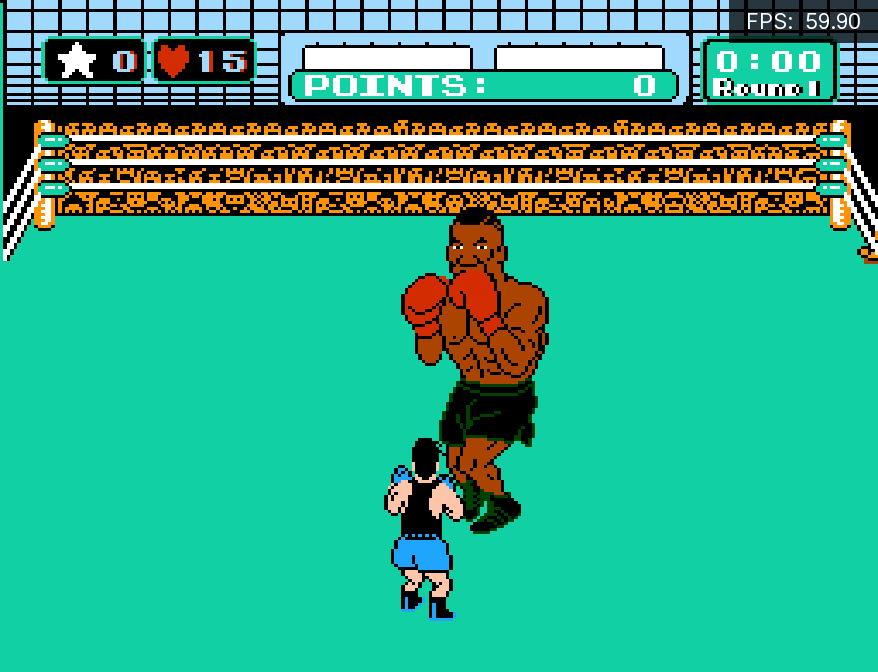
Main takeaway is the middle two columns, essentially I could not tell the difference when playing an emulator on a good computer and the AVS. The emulator was RetroArch’s NestopiaUE core with early polling set on the controllers. The surprise for me was that the sound through component on the original NES wasn’t as good as the emulator or AVS. It’s important to note that not all emulation is going to perform well especially on lower end compute. I had been playing games on a homebrewed Wii on and off for convenience but some of the games are unplayable due to the lag. My tests were Mega Man 2 bubble man stage and Mike Tyson’s punchout.
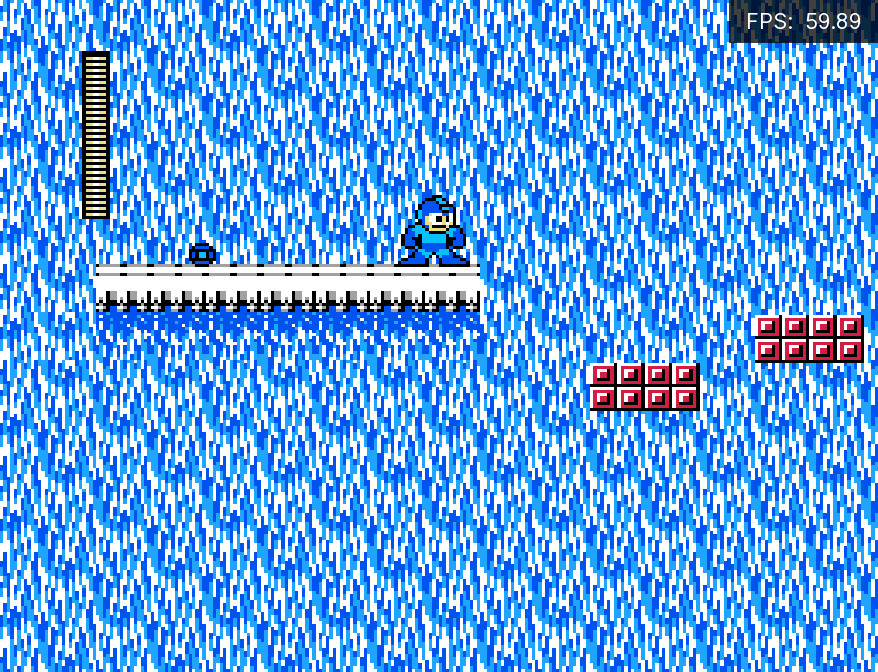
Given that the inputs are lached on a per frame basis at 60Hz, and usb polling is significantly faster than that this, it doesn’t seem surprising that a very accurate emulator running at full speed feels the same. Nestopia emulated everything as far as I could tell, even the slowdowns and glitches, the same as the original console – very impressive.
Secondary takeaway, I found Mike Tyson’s punchout impossible to beat. When I was a kid, I used to be able to beat Tyson without much difficulty, but now it is much harder for me to react. That could be an age thing, or a part of the 1 frame of lag issue. The only way to know would be to get a CRT TV and test it out.